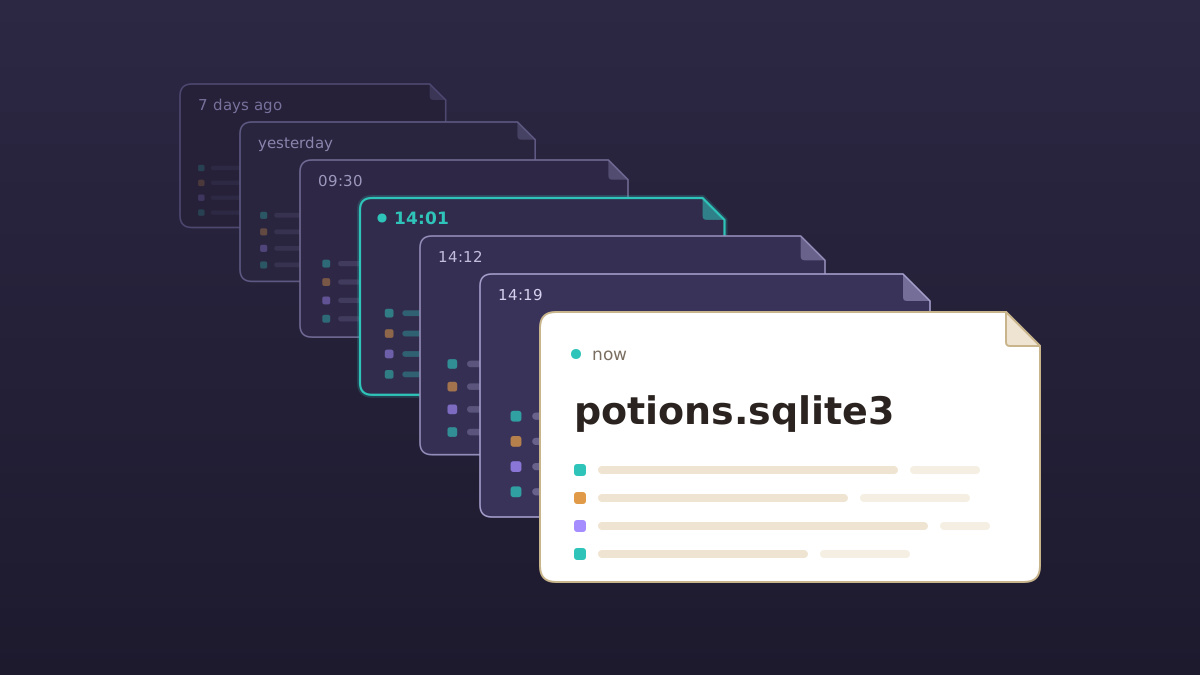
Does your app need a database server? For one app on one server, SQLite is hard to beat. It's a database engine that runs inside your app and keeps your whole database in a single file, with nothing separate to install, tune, or keep running.
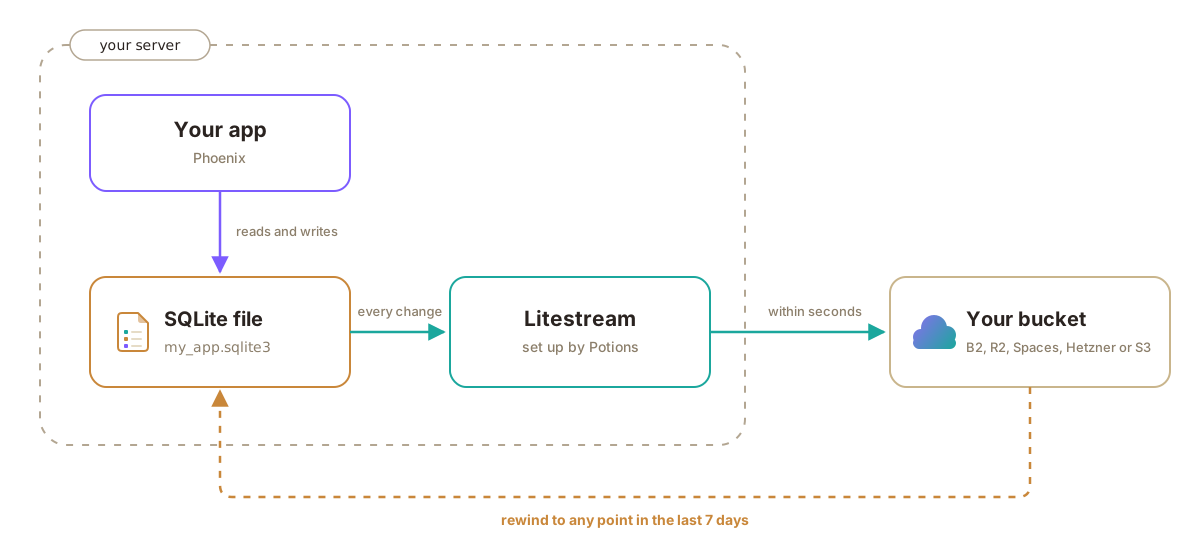
SQLite is now a first-class database on Potions. And we'll run Litestream beside your app, so every change streams to your own bucket within seconds. If something goes wrong, you can rewind your database to any point in the last seven days.
Why SQLite
Phoenix has supported SQLite since 1.6 back in 2021, and the rest of the web has been catching up. Real apps of all kinds, with real users, run on SQLite. Tailscale moved its main data store to SQLite in 2022. 37signals' Campfire and Writebook have thousands of installs. In July the link aggregator Lobsters moved from MariaDB to SQLite, and both CPU and RAM usage dropped. And indie hacker Pieter Levels runs all of his sites on it.
Using SQLite in a Phoenix app has a few benefits:
- It's fast. SQLite runs inside your app. As the SQLite docs put it, "Queries do not involve message round-trips, only a function call."
- It's light. There's no database server running alongside your app, so more of your server's memory goes to your app. That goes a long way on a small server, and on Potions you can now create an app server with no PostgreSQL on it at all.
- It's one file. Easy to reason about, easy to inspect, and easy to copy to your laptop and open with any SQLite tool.
The catch was always backups
Every conversation about SQLite in production ends up in the same place: disaster recovery. Ben Johnson, who wrote Litestream, put it this way in his post Why I Built Litestream: "The biggest problem with using SQLite in production is disaster recovery. If your server dies, so does your data."
A nightly backup means a bad day can cost you a day of data. Not good. Litestream fixes that by shipping every change to object storage as it happens. But running it yourself is a project of its own: the binary, its config, a service to keep it running, credentials, noticing when it quietly stops, and a restore you've practiced before you need it.
Backed up within seconds
Turning it on is simple. You connect the bucket where you want your backups to live, on Backblaze B2, Cloudflare R2, DigitalOcean Spaces, Hetzner Object Storage, or Amazon S3, tick a box, and Potions configures Litestream for you. From the first deploy on, every change to your database lands in your bucket within seconds.
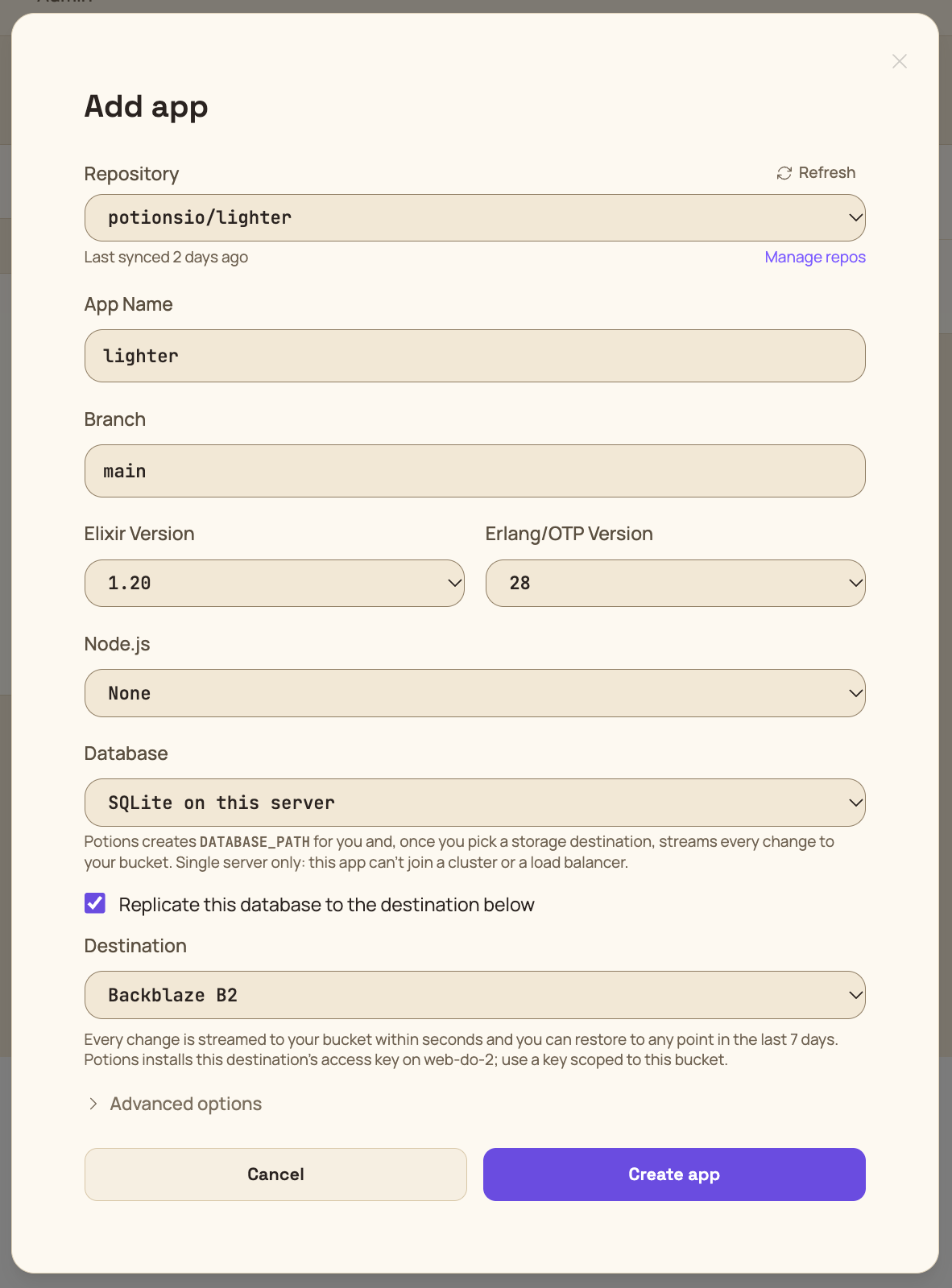
If the server itself disappears, your data doesn't go with it. The copy in your bucket is usually only a few seconds behind, and it's yours to bring back.
Litestream checks in with Potions every few minutes while its syncs succeed, so if replication ever stalls, you get an email and Potions restarts it.
Rewind to any point in the last week
This is the part I'm most excited about.
With replication on, Potions lets you rewind your database to any point in the last week. So if a migration goes wrong or a stray Repo.delete_all gets called, pick a time just before it happened and rewind. Potions snapshots the current database, stops the app, rebuilds the file from your bucket, checks it, swaps it in, and starts the app again. For a small database, that's a few seconds of downtime.
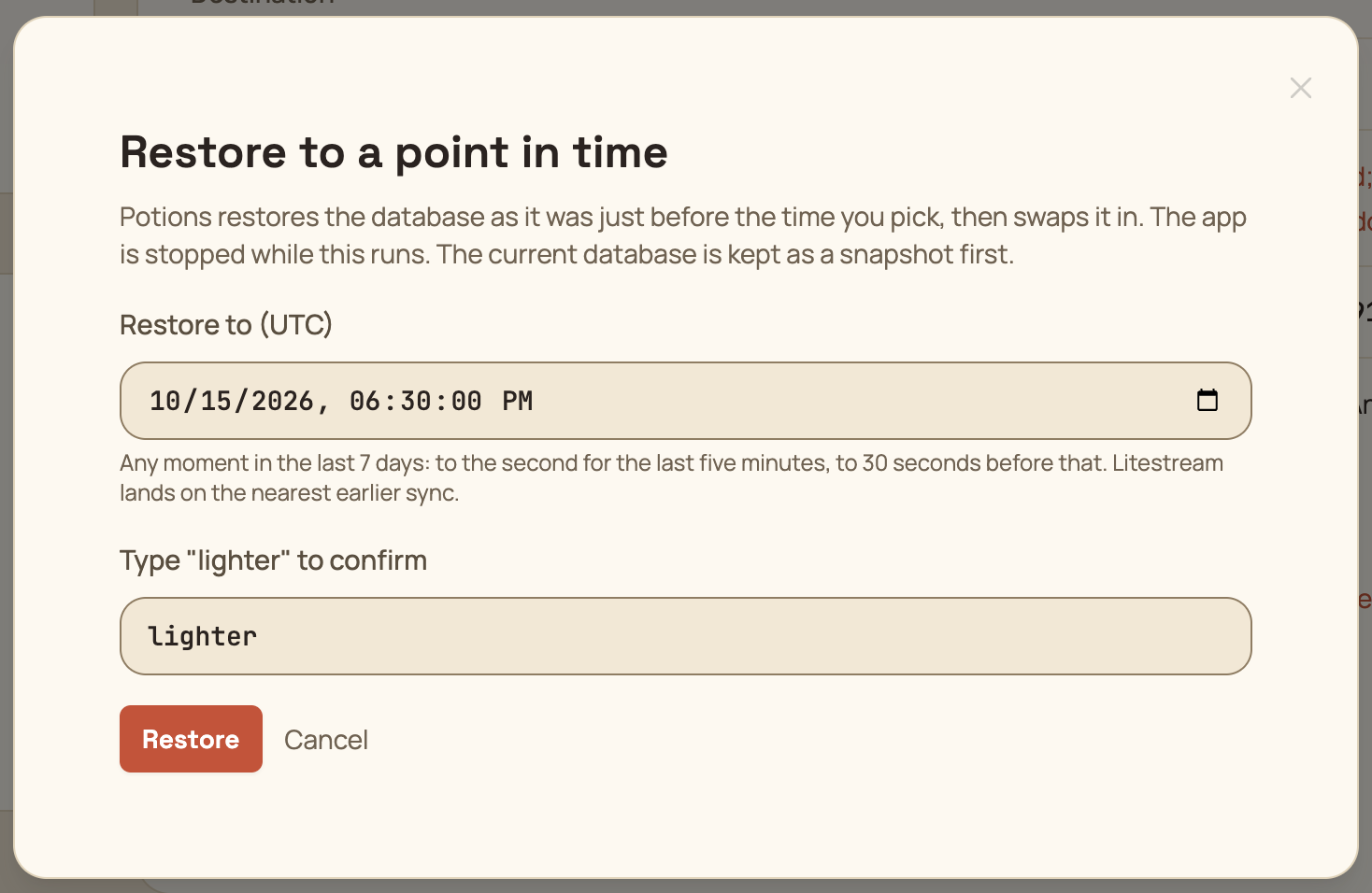
Nothing is lost along the way. The snapshot from before the restore stays on the server, and the history in your bucket is never overwritten, so you can always put things back the way they were.
Is SQLite right for your app?
If your app runs on one server, there's a good chance it is. SQLite handles one write at a time, but each write is quick and the next one waits its turn rather than failing. For the typical web app, mostly reads with a steady trickle of writes, that's plenty.
The trade-off is that a SQLite app stays on one server. It can't join a cluster or sit behind a load balancer. If you know you'll need those, start with PostgreSQL.
Get started
The SQLite and Litestream docs walk through setup, including the two lines of config your app needs for zero-downtime deploys. New to Potions? It deploys Phoenix apps to your own DigitalOcean or Hetzner servers, and the first 14 days are free.
Happy deploying!
Deploy Phoenix on your own VPS
Potions gives you push-to-deploy, zero-downtime releases, and managed servers with the control of plain infrastructure.
Get started