Adding, Editing & Deleting Variables
Environment variables let you pass configuration and secrets to your Phoenix app at runtime. Configure environment variables for things like API keys, feature flags, and service URLs.
All variable management happens from the Environment tab in your app's sidebar.
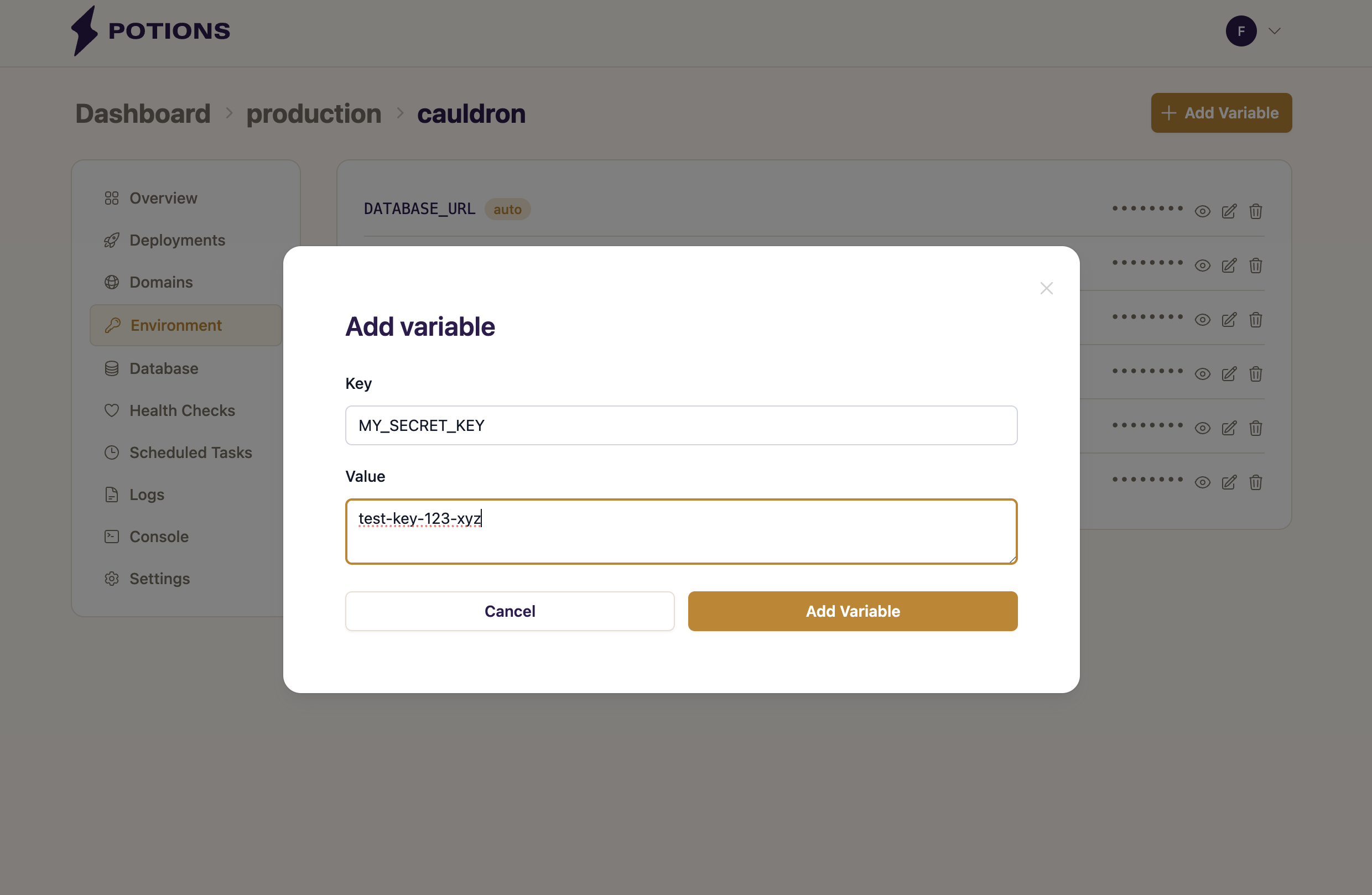
Changes to environment variables take effect on the next deploy. Trigger a deploy from the Deployments tab to apply them.
Adding a Variable
- Click Add Variable
-
Enter a Key (e.g.,
MY_SECRET_KEY) - Enter a Value
- Click Add Variable to save
Editing a Variable
- Click the pencil icon next to the variable
- Update the Value: the key is locked and cannot be changed
- Click Save
To rename a variable, delete the old one and create a new one with the desired key. Both auto-generated and user-defined variables can be edited.
Deleting a Variable
- Click the trash icon next to the variable
- Confirm the deletion
Both auto-generated and user-defined variables can be deleted. Be cautious deleting auto-generated variables - your app may fail to boot without SECRET_KEY_BASE or DATABASE_URL.